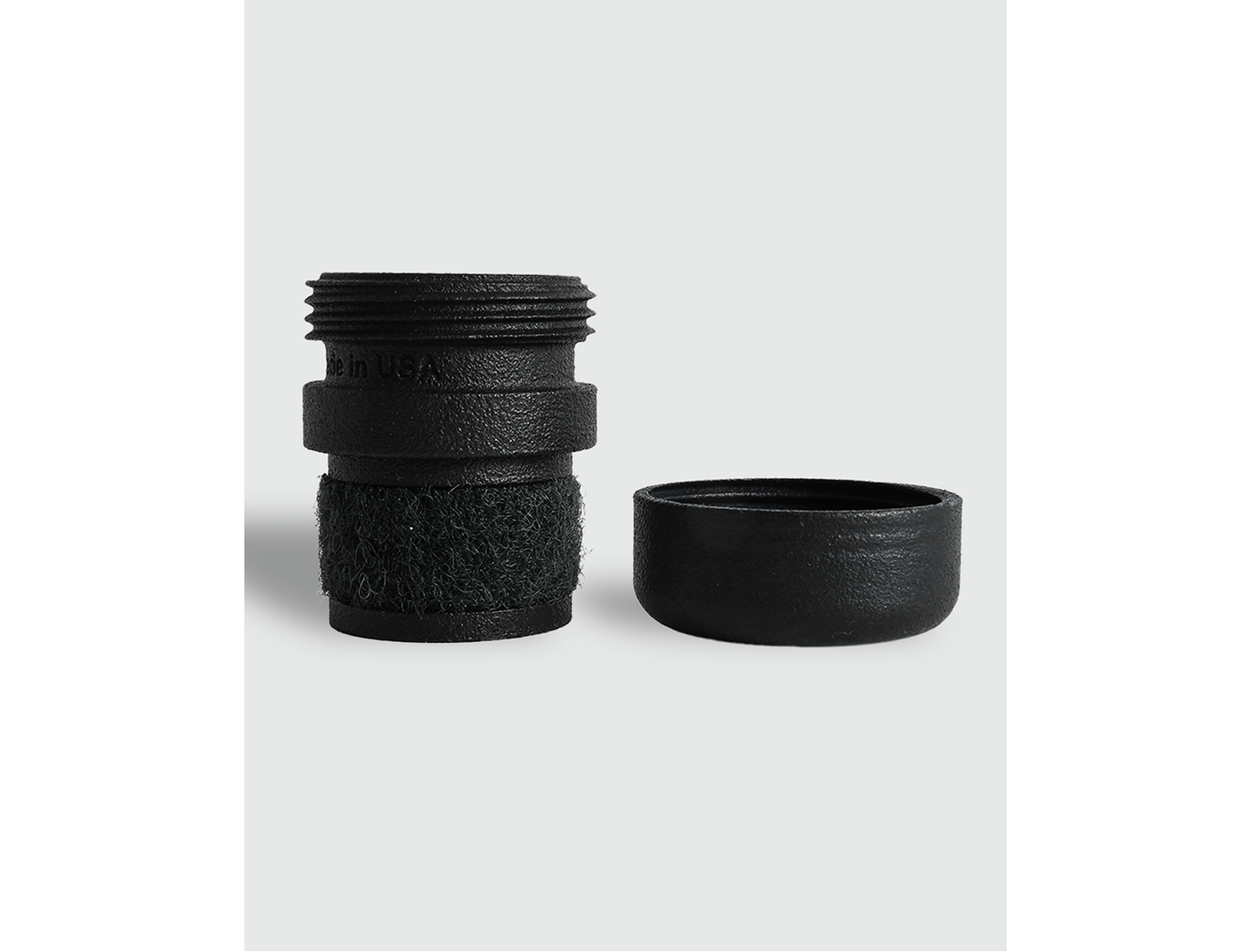
Tenor version is currently available, Alto coming soon
The GS Beacon is the first trackable saxophone end plug! Using the GS Beacon with an iPhone and Apple AirTag, you can always know the location of your horn with the Apple "Find My" app.
AirTag Installation Instructions
- Ensure your iPhone or iPad has iOS 14.5 or later, has Bluetooth turned on, and is connected to Wi-Fi or cellular data.
- Unwrap your new AirTag and pull the plastic battery tab. You will hear a sound signaling it is turned on.
- Hold the AirTag within a few inches of your iPhone. A setup pop-up will automatically appear on your screen. Tap Connect.
- Unscrew the cap of the GS Beacon.
- Making sure that the Apple logo (silver side) is facing the inside of the cap, push the AirTag into the cap so it snaps into place.
- Screw the cap back onto the base of the GS Beacon and use it as your new end plug!